
ChamferZone Tutorial Plugins – Maintained List
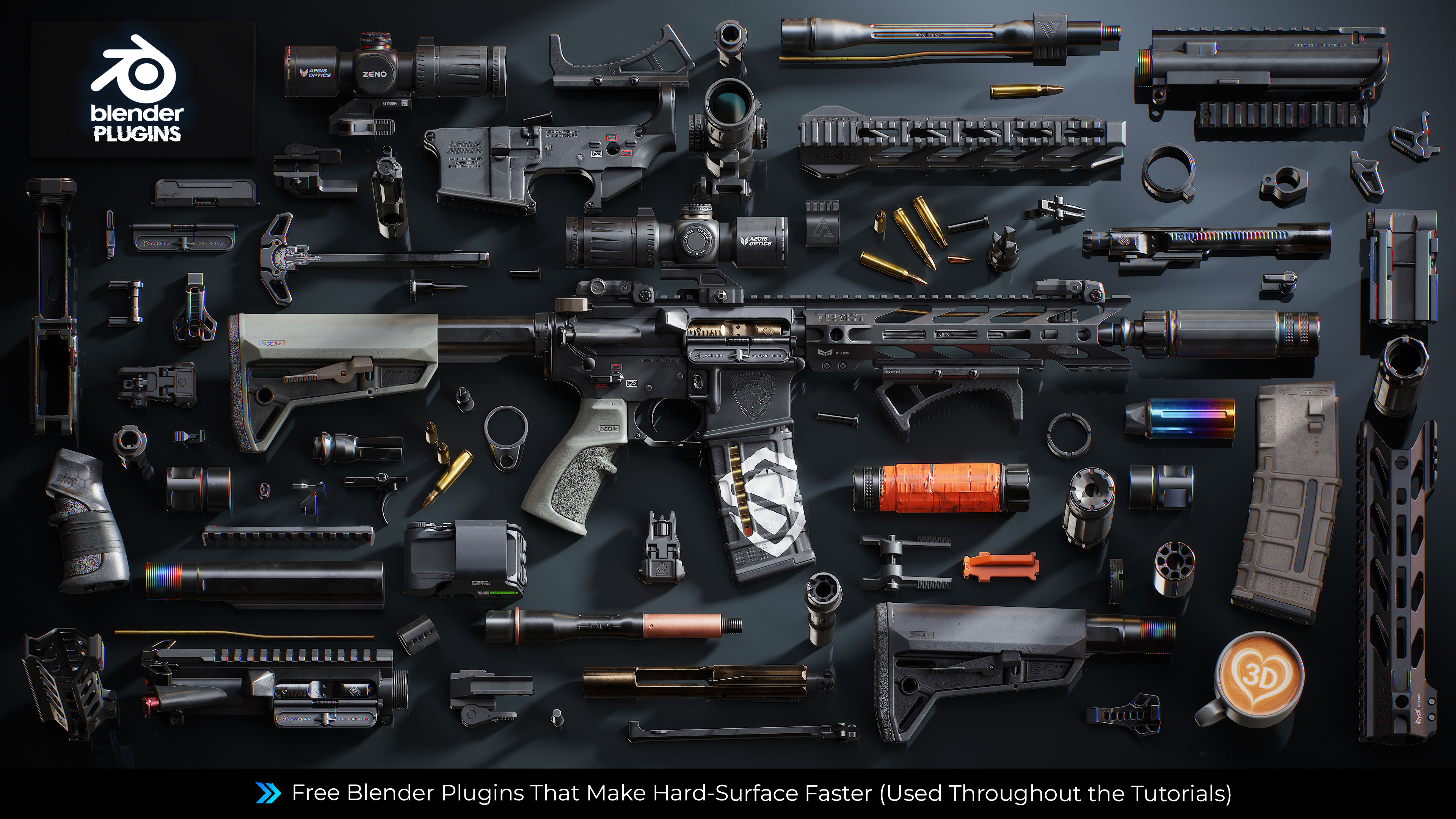
Hey everyone,
This page lists all the free plugins used in my Blender tutorials, one place to find everything you need.
All plugins are compatible with Blender 5.1. I'll keep this list updated.
⚠️ JMesh Update (Revolver Tutorial)
JMesh is no longer maintained. Replacements:
- Boolean Operations → Bool Tool
- Circular Arrays → Circular Array
- Quick Lattice & Origin Tools → Interactive Tools
👇 Scroll down for the full plugin list.
Happy blending! 🫡
- Tim
==========================================
ULTIMATE WEAPON TUTORIAL 2 & REVOLVER TUTORIAL - ESSENTIAL FREE BLENDER PLUGINS
SECTION 1: MODELING & HARD-SURFACE TOOLS
1. INTERACTIVE TOOLS
- What it does: Quick Origin, Quick Lattice, Super Smart Create
- Why you need it: Essential plugin for boolean cleanup, quick origin, Lattice operations and other non-destructive edits
- Link: https://github.com/maxivz/interactivetoolsblender
2. F2
- What it does: Create faces from single vertex or edge selection
- Why you need it: Fast quad creation in edit mode
- Link: https://extensions.blender.org/add-ons/f2/
3. BOOL TOOL
- What it does: Streamlined boolean operations
- Why you need it: Speeds up all boolean cut workflows
- Link: https://extensions.blender.org/add-ons/bool-tool/
4. MODIFIER LIST (Forked Version)
- What it does: Enhanced modifier management, non-destructive workflows
- Why you need it: Core tool for modifier stack control
- Link: https://extensions.blender.org/add-ons/modifier-list-fork/
⚠️ Important for Blender 5.1.1 Users! You can use this forked version if you're encountering a problem where the Subdivision modifier is appearing as empty (credits to ChamferZone Discord user Amped⚡) Just download the zip and install it from Blender Add-Ons section.
https://drive.google.com/file/d/1ZLIuYFF7tPs0NupQir3LrKVIgdQa1f76/view?usp=sharing
5. LOOP TOOLS
- What it does: Circle, Flatten, Bridge, Curve, Relax operations
- Why you need it: Topology cleanup and vertex alignment
- Link: Built-in — no download needed. Search for Loop Tools in the Blender plugins list and activate it.
6. CIRCULAR ARRAY
- What it does: Radial array with adjustable count and angle
- Why you need it: Creating circular patterns (magazine details, etc.)
- Link: https://github.com/WiresoulStudio/CircularArray
SECTION 2: UV EDITING TOOLS
7. MIO3 UV
- What it does: Gridify, Rectify, Straighten, Stack, Unfold
- Why you need it: CRITICAL for the UV unwrapping chapter
- Link: https://extensions.blender.org/add-ons/mio3-uv/
8. UNIV (Optional)
- What it does: UV unwrapping helper
- Why you need it: Backup solution, but Mio3 is superior
- Link: https://extensions.blender.org/add-ons/univ/
- Note: Not essential — Mio3 is used in the tutorial
9. UNWRELLA (formerly UV Packer / Umbrella)
- What it does: Final optimized UV packing
- Why you need it: Maximizes texture space efficiency
- Link: https://www.uv-packer.com/blender/
10. TEXTOOLS
- What it does: Checker map, Smooth by UV island, various UV utilities
- Why you need it: Checker map for distortion checking + smooth by UV island
- Link: https://github.com/unclepomedev/TexTools-Blender/releases/tag/v1.6.3
SECTION 3: SPECIALTY TOOLS (USED ONCE OR TWICE ONLY)
11. BOLT FACTORY
- What it does: Generates bolts, screws, and nuts with parameters
- Why you need it: Fast hardware detail creation (used once in the course)
- Link: Built-in — no download needed. Search for Bolt Factory in the Blender plugins list and activate it.
==========================================
INSTALLATION INSTRUCTIONS
For built-in plugins (Loop Tools, Bolt Factory):
1. Open Blender
2. Edit > Preferences > Add-ons
3. Search for the plugin name
4. Check the box to enable
For downloaded plugins (Interactive Tools, Circular Array, Mio3 UV, UniV, Unwrella, TexTools):
1. Download the .zip file from the link
2. Edit > Preferences > Add-ons
3. Click "Install"
4. Select the .zip file
5. Check the box to enable
==========================================
Tip: Enable all these plugins BEFORE starting Episode 1.
The tutorials assume you have them active.
Save your Blender startup file after enabling them:
File > Defaults > Save Startup File
==========================================
END OF PLUGIN LIST
==========================================